
Download MyTunesRSS – Remote iTunes Access, Stream & Manage Music Anywhere
Overview
MyTunesRSS is a lightweight Java‑based tool that turns your iTunes library into a remotely accessible music server. Whether you are traveling with a laptop, using a desktop at a friend’s house, or simply want to stream your collection from a different room, MyTunesRSS bridges the gap between a local iTunes folder and any device that can reach your network. The application creates a stripped‑down iTunes‑like interface that lists tracks, albums, artists, genres, and dynamic collections such as “Top 25 Played”, “Best Rated”, and “Recently Added”.
Users can browse the full catalog, launch playback directly in a Flash‑compatible player, or download tracks and playlists in common formats like M3U or XSPF for use with iTunes, VLC, or any other media player. The built‑in theme creator lets power users customize the look and feel through the remote API, while Last.fm enthusiasts will appreciate seamless scrobbling as songs play. Although the 30‑day trial limits long‑term testing, the free version offers enough functionality to evaluate whether MyTunesRSS fits your remote‑listening workflow.
Key Features
- Remote library browsing – access your entire iTunes collection from any computer on the same network or over the internet.
- Dynamic playlists – automatically generated lists for most played, highest rated, and newest additions.
- Standard playlist export – download playlists as M3U or XSPP for playback in iTunes, VLC, Winamp, or any compatible app.
- Integrated Flash player – stream tracks that are Flash‑compatible without leaving the MyTunesRSS interface.
- Last.fm scrobbling – keep your listening history synchronized with your Last.fm profile.
- Theme editor – customize the UI through the remote API for a personalized look.
- Cross‑platform server – the Java server runs on Windows, macOS, and Linux, making the client accessible from any modern OS.
- Secure connection options – configure password protection and optional SSL tunneling for internet‑based access.
- Lightweight client – the web‑based UI consumes minimal bandwidth, ideal for slower connections.
- Free 30‑day trial – test all features before committing to a purchase.
Installation & Usage Instructions
Getting MyTunesRSS up and running is a straightforward three‑step process. First, download the server package from the official website. The package includes a Java Archive (JAR) file and a concise README.
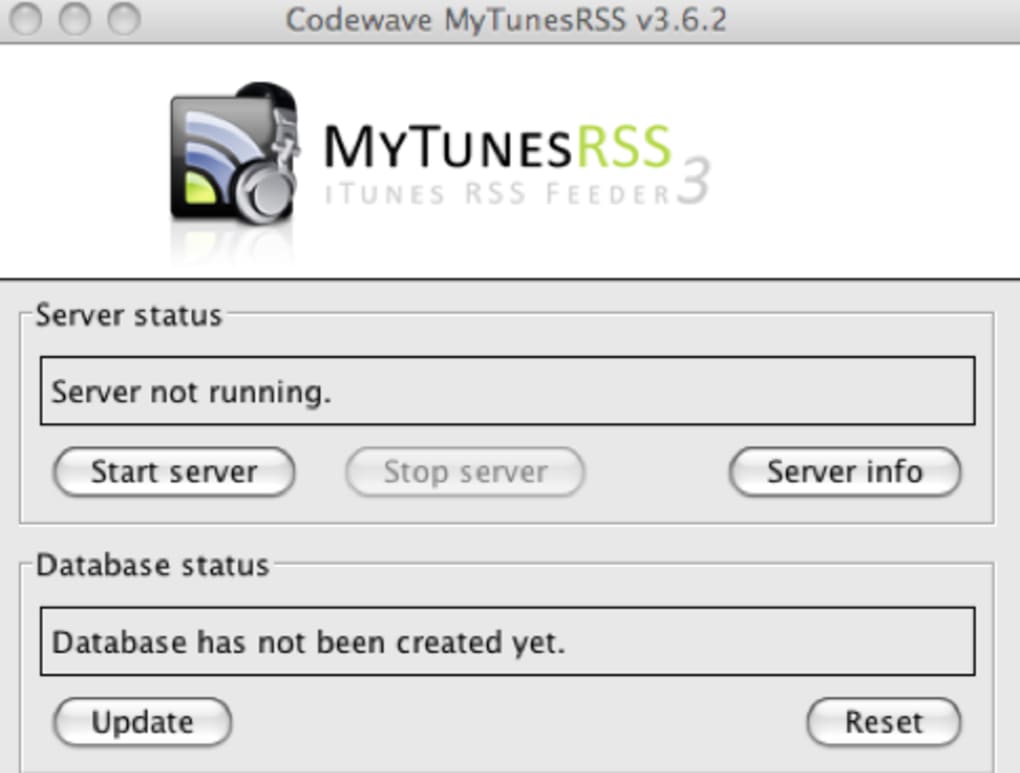
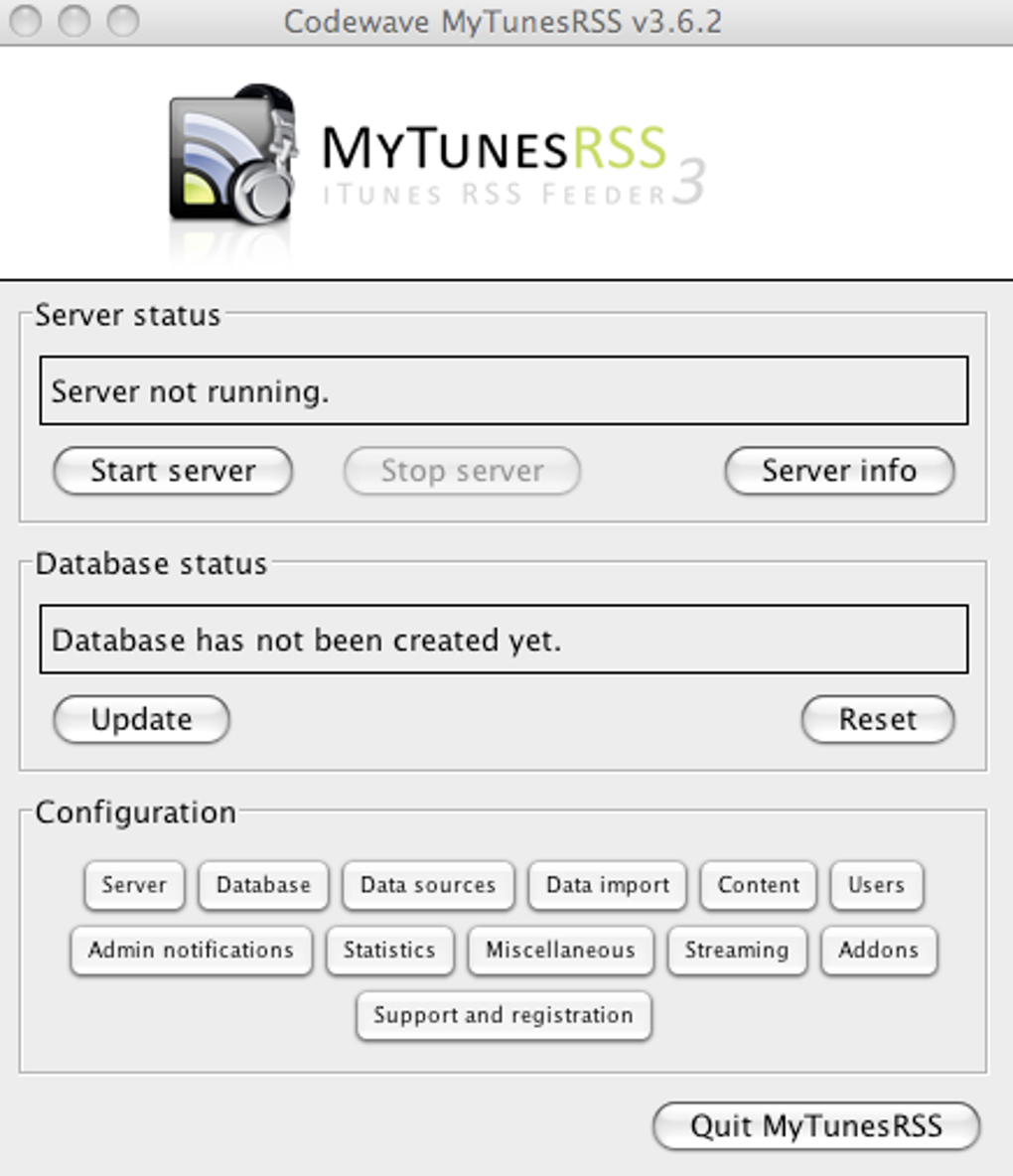
Because MyTunesRSS is built on Java, you’ll need the Java Runtime Environment (JRE) version 8 or later installed on the machine that hosts your iTunes library. After installing Java, launch the server by double‑clicking the JAR file or running java -jar MyTunesRSS.jar from a terminal. The server will prompt you for the absolute path to your iTunes folder and a port number (the default is 8080).
Optionally, you can enable password protection and configure SSL certificates for encrypted traffic.
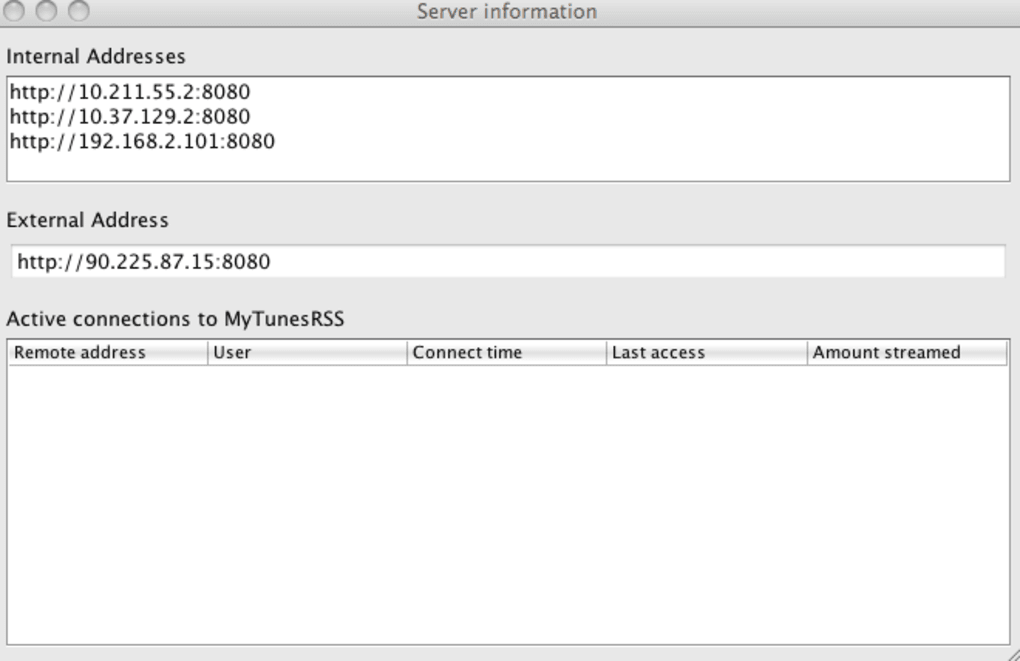
Once the server is active, note the IP address displayed in the console – this is the address you’ll use on client devices. On any computer, tablet, or smartphone, open a web browser and navigate to http://[server‑ip]:8080. The client interface loads instantly, presenting a familiar iTunes‑style navigation pane.
From here you can explore your library by artist, album, genre, or the auto‑generated categories. To play a track, simply click its title; if the file is Flash‑compatible, playback starts immediately in the embedded player. For non‑Flash files, the interface will prompt you to download the track or install the optional plugin (available from the download page).
Playlists can be created on the fly by selecting multiple tracks and choosing “Create Playlist”. The new playlist appears under the “User Playlists” section and can be exported in M3U or XSPF format with a single click.
Advanced users who wish to customize the UI can open the “Theme Builder” from the settings menu. This tool requires basic knowledge of XML and the MyTunesRSS Remote API, but it offers full control over colors, fonts, and layout. Finally, when you’re finished, stop the server by closing the console window or issuing the shutdown command. The server will retain all configuration settings, so the next launch will be ready to serve your library again.
Compatibility, Pros & Cons
MyTunesRSS runs on any operating system that supports Java, including Windows 10/11, macOS 10.13 and newer, and popular Linux distributions such as Ubuntu, Fedora, and Debian. The client side is browser‑based, which means you can access your music from iOS Safari, Android Chrome, Windows Edge, or any modern desktop browser without installing additional software. Because the server component is Java, it works on headless machines and can be deployed on a home NAS, a Raspberry Pi, or a dedicated server in the cloud.
Pros
- Universal remote access – stream your iTunes library from anywhere with an internet connection.
- Zero‑cost trial – test all features for 30 days before purchasing.
- Cross‑platform server – one Java package works on Windows, macOS, and Linux.
- Playlist export – compatible with virtually every media player.
- Last.fm integration – keep your scrobble history up‑to‑date automatically.
- Customizable UI – theme editor for a personalized experience.
- Secure optional SSL – protect your traffic when accessing over the internet.
Cons
- Java dependency – users without a recent JRE must install additional software.
- Performance can feel sluggish on older hardware because Java isn’t as lightweight as native apps.
- Flash‑based playback is outdated; modern browsers have dropped Flash support, requiring downloads for many tracks.
- The theme creator relies on the remote API, which has a steep learning curve for beginners.
- Trial version limits usage to 30 days, which may be insufficient for long‑term evaluation.
Frequently Asked Questions
Can I access MyTunesRSS from a mobile device?
Yes. The client is a web‑based interface, so any modern mobile browser on iOS or Android can connect to your MyTunesRSS server using the server’s IP address and port.
Do I need an active internet connection to stream locally?
No. If the client and server are on the same local network, MyTunesRSS streams directly over LAN without using the public internet, which reduces latency and bandwidth usage.
Is there a way to secure my server with a password?
Absolutely. During the initial server setup you can enable password protection. The server will then prompt every client for credentials before granting access.
What file formats does MyTunesRSS support for direct playback?
The built‑in player can stream MP3, AAC, and other formats that Flash can handle. For files that require a different codec, MyTunesRSS offers a download option or the ability to export a playlist for external players.
Can I run MyTunesRSS on a Raspberry Pi?
Yes. As long as the Raspberry Pi has a compatible Java Runtime Environment installed, you can host the MyTunesRSS server and stream your iTunes library to any device on your network.
Conclusion & Call to Action
MyTunesRSS fills a niche that many music lovers have long wanted: the ability to pull an entire iTunes collection out of a home computer and make it available anywhere, without sacrificing organization or quality. While the reliance on Java and a Flash‑based player introduces a few performance quirks, the overall feature set—remote browsing, playlist export, Last.fm scrobbling, and a customizable UI—makes it a compelling choice for power users and casual listeners alike. The free 30‑day trial provides ample time to test the software in real‑world scenarios, and the straightforward installation process means you’ll be up and streaming within minutes.
If you’re ready to break free from the confines of a single machine and enjoy your music library on the go, download MyTunesRSS today. The secure, cross‑platform solution will keep your tunes at your fingertips, whether you’re at home, in the office, or traveling abroad.
MyTunesRSS offers a powerful, low‑cost way to access your iTunes library remotely. Its cross‑platform Java server and web‑based client make deployment easy, though performance can lag on older hardware. Overall, it earns a solid 4‑star rating for its feature depth and flexibility.







